
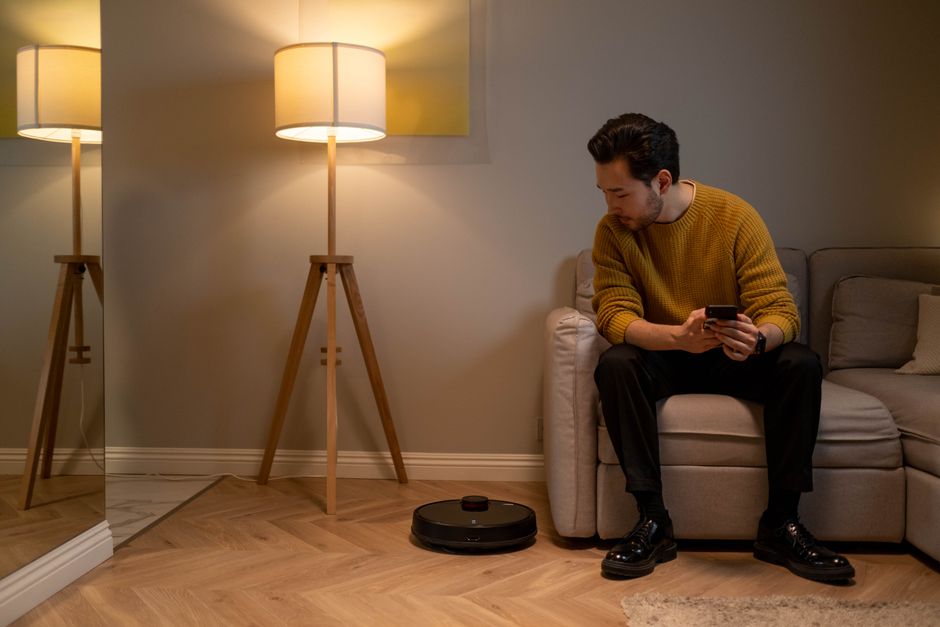
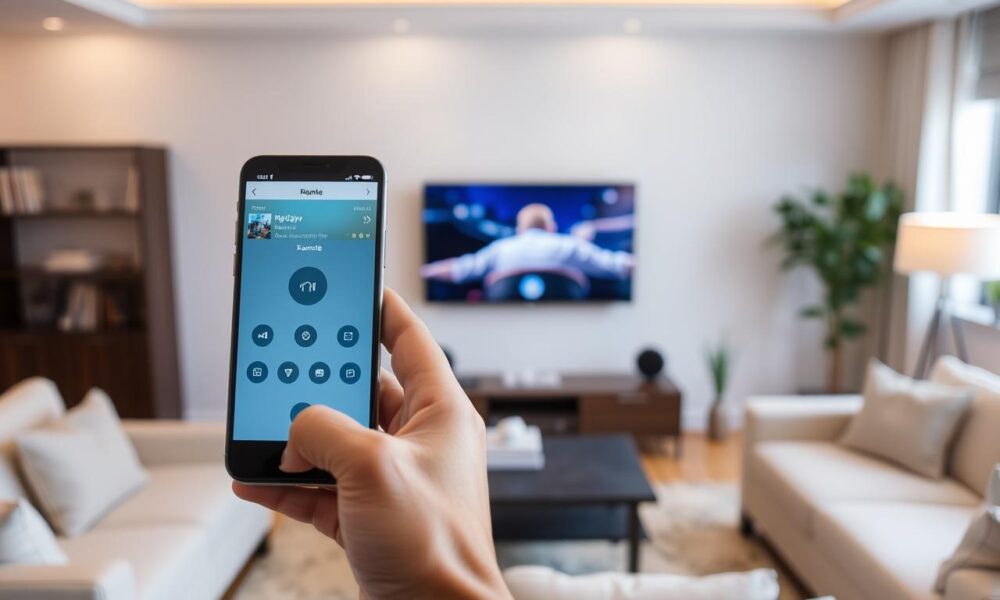
Universal remote control apps have transformed how we interact with our home entertainment systems, offering unprecedented convenience right from our smartphones.
Gone are the days of juggling multiple remotes for your TV, sound system, streaming device, and air conditioner. Modern technology has consolidated all these controls into a single, powerful application that fits in your pocket. Whether you’ve lost your original remote or simply want a more efficient way to manage your devices, universal remote apps offer a practical solution.
These innovative applications use infrared technology or WiFi connectivity to communicate with your home devices, essentially turning your smartphone into a command center for your entire entertainment ecosystem. The best part? Most of these apps are free or offer premium features at minimal cost, making them accessible to everyone.
📱 What Makes Universal Remote Apps Essential in 2024
The proliferation of smart devices in our homes has created a new challenge: remote control clutter. A typical living room might contain remotes for the television, cable box, streaming stick, soundbar, DVD player, and even smart lighting systems. Universal remote control applications elegantly solve this problem by centralizing control.
Modern universal remote apps leverage both infrared blasters (present in many Android devices) and WiFi connectivity to communicate with compatible devices. This dual-functionality means you can control older IR-based equipment alongside newer smart devices that connect via your home network.
The convenience factor cannot be overstated. Your smartphone is already with you throughout the day, eliminating the frustrating search for misplaced remotes. Additionally, these apps often provide functionality beyond what traditional remotes offer, including customizable layouts, macro commands, and voice control integration.
🔧 How Universal Remote Control Apps Actually Work
Understanding the technology behind these applications helps users maximize their potential. Most universal remote apps operate through one of three primary methods: infrared transmission, WiFi connectivity, or Bluetooth pairing.
Infrared technology remains the most common method for controlling traditional electronics. Many Android smartphones include an IR blaster—a small LED that emits infrared signals identical to those from conventional remotes. The app’s database contains signal codes for thousands of device models, allowing it to replicate the functionality of your original remote.
WiFi-based control works differently, connecting directly to smart devices through your home network. This method offers advantages like extended range (anywhere within WiFi coverage) and bidirectional communication, allowing the app to receive status updates from devices. Smart TVs, streaming boxes, and modern sound systems typically support this connection type.
Bluetooth connectivity bridges the gap for devices that support neither IR nor WiFi control. While less common for entertainment devices, Bluetooth proves useful for certain speakers, cameras, and accessories.
✨ Key Features That Define Premium Universal Remote Apps
Not all universal remote applications offer the same capabilities. Premium apps distinguish themselves through comprehensive feature sets that enhance user experience beyond basic control functions.
Extensive device compatibility stands as the most critical feature. Top-tier apps support thousands of brands and models across multiple categories—televisions, air conditioners, streaming devices, projectors, and home audio systems. The broader the compatibility, the more likely the app will work seamlessly with your existing equipment.
Customizable interface layouts empower users to design control panels that match their specific needs. Instead of navigating through generic button arrangements, you can create personalized layouts with frequently-used functions readily accessible. This customization dramatically improves daily usability.
Widget support brings controls directly to your home screen, enabling quick adjustments without opening the full application. Change TV channels, adjust volume, or switch inputs with a single tap from your launcher—no navigation required.
Macro programming allows you to execute multiple commands with a single button press. For example, a “Movie Night” macro might turn on your TV, switch to the correct HDMI input, power up your soundbar, and dim your smart lights—all simultaneously. This automation transforms your viewing experience.
🏠 Setting Up Your Universal Remote App: A Step-by-Step Guide
Getting started with a universal remote application requires minimal technical knowledge, though following the proper setup procedure ensures optimal performance.
First, download and install the app from your device’s official app store. Grant necessary permissions when prompted—these typically include network access and, for IR functionality, access to your phone’s infrared hardware.
Next, add your first device. Most apps offer automatic detection for WiFi-connected smart devices, scanning your network for compatible equipment. For IR devices, you’ll typically select the device category (TV, AC, etc.), then choose your brand from the provided list.
The app will guide you through a pairing process. For IR devices, this usually involves testing several code sets until you find the correct match. Point your phone at the device and try the power button—if the device responds, you’ve found the right configuration. Save this setup for future use.
For WiFi-connected devices, pairing often requires both devices to be on the same network. Some smart TVs display a PIN code that you’ll enter in the app to establish the connection. Once paired, the app can control the device from anywhere within your WiFi range.
Configure your interface layout after adding all devices. Arrange buttons logically, prioritizing functions you use most frequently. Many apps offer themed interfaces—choose one that matches your aesthetic preferences or create a completely custom design.
💡 Maximizing Functionality: Pro Tips and Advanced Techniques
Power users can unlock significantly more value from universal remote apps by exploring advanced features and optimization strategies.
Create room-based profiles if your app supports multiple device groupings. A “Living Room” profile might include your main TV, soundbar, and cable box, while a “Bedroom” profile controls different equipment. Switching between profiles becomes faster than accessing individual device controls.
Leverage voice assistant integration wherever available. Many premium apps support Google Assistant or Alexa, allowing voice commands like “Turn on the TV and switch to Netflix.” This hands-free convenience proves particularly useful when your hands are occupied.
Schedule automated actions for routine tasks. Program your app to turn off all entertainment devices at bedtime or power them on before you arrive home. These scheduled commands reduce daily manual intervention.
Explore keyboard input features for smart TVs. Typing with a traditional remote proves tedious—searching for shows or entering passwords becomes painfully slow. Universal remote apps typically offer full keyboard functionality, letting you type naturally on your phone’s screen while text appears on your TV.
Backup your configurations regularly. After investing time customizing layouts and programming macros, protect this work by exporting settings. Most quality apps include cloud backup or export functions that preserve your configuration across device changes or app reinstallations.
🌐 Compatibility Considerations: What Works With Your Devices
Not every device responds equally to universal remote applications. Understanding compatibility limitations helps set realistic expectations and guides purchasing decisions for future equipment.
Traditional infrared devices generally offer excellent compatibility. If your device came with an IR remote, a universal app can almost certainly control it—provided your smartphone includes an IR blaster. Check your phone’s specifications before assuming IR capability, as many manufacturers have removed this hardware from recent models.
Smart TVs from major manufacturers (Samsung, LG, Sony, TCL) typically offer outstanding app support through WiFi connectivity. These manufacturers often provide official companion apps, but universal remote apps usually work equally well while offering unified control across multiple device brands.
Streaming devices vary in accessibility. Roku, Fire TV, and Apple TV support network-based control to varying degrees. Roku offers particularly robust third-party app support, while Apple TV requires devices within the Apple ecosystem for full functionality.
Air conditioners represent a popular secondary use case for these apps. Most modern AC units use infrared remotes, making them compatible with universal remote applications. However, ensure the app’s database includes your specific AC brand and model, as climate control requires precise command matching.
🔒 Privacy and Security: Protecting Your Smart Home
Granting an application control over your home devices raises legitimate privacy and security concerns. Responsible users should evaluate potential risks and implement protective measures.
Download apps exclusively from official sources—Google Play Store or Apple App Store. Third-party app stores may host modified versions containing malware or tracking software. Verify developer credentials and read reviews before installation.
Review requested permissions carefully. A legitimate universal remote app needs network access and possibly IR hardware access, but should not require access to contacts, camera, or location data. Excessive permission requests signal potential privacy violations.
Use secure WiFi networks for device control. Public networks expose your commands to potential interception. When controlling devices remotely, consider using a VPN to encrypt traffic between your phone and home network.
Regularly update your apps and connected devices. Developers patch security vulnerabilities through updates—running outdated software exposes your network to known exploits. Enable automatic updates where possible to maintain current protection.
📊 Comparing Popular Universal Remote Apps: Features and Benefits
The market offers numerous universal remote applications, each with distinct strengths. Understanding these differences helps you select the best option for your specific needs.
Some apps prioritize comprehensive device libraries, supporting obscure brands alongside mainstream manufacturers. Others focus on interface customization, offering advanced layout editors and theme systems. Certain applications excel at smart home integration, connecting seamlessly with home automation platforms.
Free versions typically include advertisements and limit advanced features like macro programming or cloud backup. Premium subscriptions remove ads and unlock the full feature set. Evaluate whether premium features justify the cost based on your usage patterns—casual users often find free versions perfectly adequate.
User interface philosophy differs significantly between apps. Some embrace minimalism with simple, clean layouts that prioritize essential functions. Others offer feature-rich interfaces with extensive customization at the cost of initial complexity. Consider your comfort level with technology when choosing between these approaches.
Customer support quality varies dramatically. Premium apps and those from established developers typically offer responsive support channels. Community forums, email support, and detailed documentation help troubleshoot issues. Free apps from individual developers may lack robust support infrastructure.
🚀 The Future of Universal Remote Control Technology
Emerging technologies promise to enhance universal remote applications significantly in coming years. Understanding these trends provides insight into the evolution of home control systems.
Artificial intelligence integration will enable predictive control. Your app might learn your viewing habits and automatically suggest appropriate settings—dimming lights and adjusting sound based on content type or time of day. Machine learning algorithms will optimize button layouts based on your actual usage patterns.
Augmented reality features could transform device identification. Point your phone’s camera at any remote-controlled device, and the app would automatically identify it, download appropriate controls, and add it to your configuration. This technology would eliminate manual setup procedures entirely.
Matter protocol adoption—the new smart home standard—will dramatically improve device compatibility. As manufacturers implement Matter support, universal remote apps will control an even broader range of equipment through standardized communication protocols, regardless of brand.
Haptic feedback enhancement will provide tactile responses matching different button types. Volume controls might offer different vibration patterns than channel buttons, helping users operate controls without looking at their screens—particularly useful in darkened rooms during viewing.
🎯 Troubleshooting Common Issues and Solutions
Even the most reliable apps occasionally encounter problems. Knowing how to diagnose and resolve common issues minimizes frustration and downtime.
If infrared controls stop working, verify your phone’s IR blaster remains unobstructed. Cases or screen protectors sometimes cover the IR LED, blocking signal transmission. Test by pointing directly at your device from various distances—typical IR range extends about 10 meters with clear line-of-sight.
WiFi connectivity problems often stem from network configuration. Ensure both your phone and controlled devices connect to the same network. Some routers create separate 2.4GHz and 5GHz networks—devices must share the same band for communication. Check router settings to verify network isolation features aren’t preventing device communication.
Commands executing slowly typically indicate network congestion or weak WiFi signals. Move closer to your router or consider upgrading to a mesh network system for whole-home coverage. Close bandwidth-intensive applications running in the background on your phone.
Battery drain concerns arise when apps constantly scan for devices. Configure settings to disable background scanning or limit automatic detection frequency. Enable battery optimization for the app in your phone’s system settings to restrict background activity.
🌟 Real-World Applications Beyond Entertainment
While entertainment control represents the primary use case, universal remote apps serve many additional functions throughout your home.
Climate control becomes centralized when your app manages air conditioners, fans, and even some smart thermostats. Create temperature-based routines—automatically cooling rooms before you arrive home or switching to energy-saving modes overnight.
Presentation environments benefit tremendously from universal remote apps. Control projectors, screens, lighting, and audio systems from your phone during presentations, eliminating the need to juggle multiple remotes while speaking. This professional approach enhances your credibility and audience engagement.
Guest convenience improves when visitors can control entertainment systems without learning multiple remotes. Share your app configuration via guest mode features, providing temporary access without exposing your entire smart home setup.
Accessibility features help users with mobility limitations. Smartphone control proves easier than manipulating small remote buttons for many individuals. Combined with voice commands, universal remote apps dramatically improve independence for users with physical challenges.
💬 Making Your Final Choice: Selection Criteria
Selecting the optimal universal remote app requires evaluating several factors against your specific requirements and environment.
Assess your device inventory first. List all equipment you want to control, including brands and model numbers. Download apps offering trial periods and test compatibility before committing. Free versions allow risk-free experimentation—test several options before purchasing premium features.
Consider your technical comfort level honestly. Feature-rich apps with steep learning curves frustrate less technical users. If you want simple, immediate functionality, prioritize apps emphasizing ease of use over advanced customization.
Evaluate your smart home aspirations. If you plan to expand into comprehensive home automation, choose apps offering robust integration with platforms like Google Home, Amazon Alexa, or Apple HomeKit. Starting with a compatible foundation prevents future migration headaches.
Read recent user reviews carefully, focusing on comments about your specific device brands. Developer responsiveness to issues signals ongoing support and future improvements. Apps with frequent updates and active development teams provide better long-term value.
Your smartphone becomes exponentially more powerful when transformed into a universal remote control. These applications represent one of mobile technology’s most practical implementations, solving real daily frustrations while simplifying your interaction with entertainment and home systems. Whether you’re replacing a lost remote, consolidating multiple controllers, or exploring smart home automation, universal remote apps deliver immediate, tangible benefits that enhance your digital lifestyle.
